
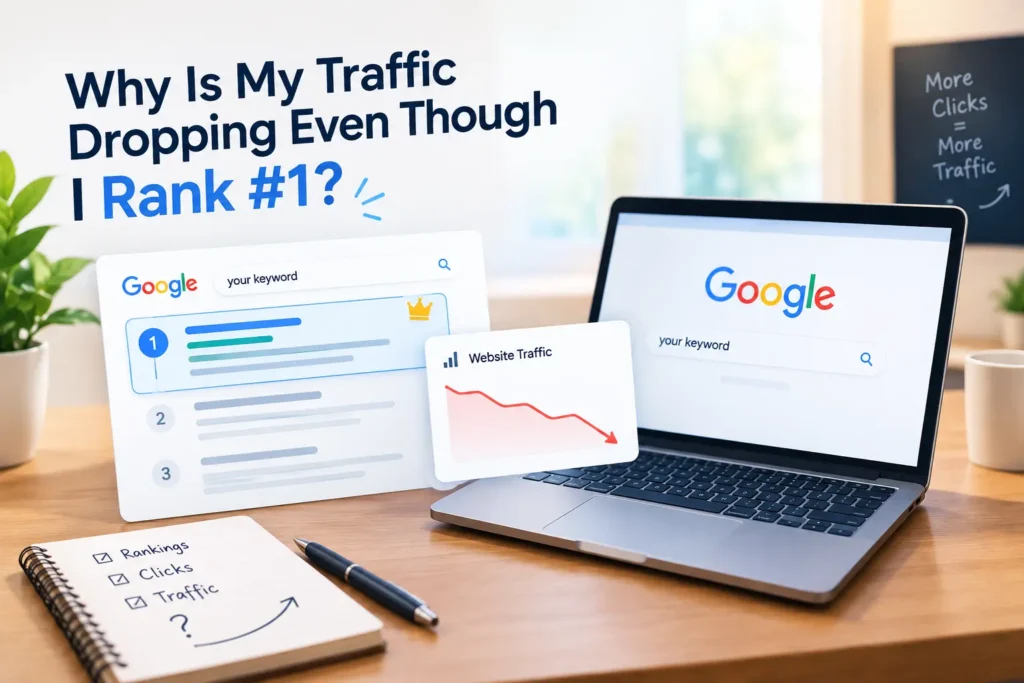
Why Is My Traffic Dropping Even Though I Rank #1?
You check your rank tracker. Position 1. You refresh it again, just to be sure. Still position 1.
But your traffic graph tells a different story. It’s going down, not up. If you’re staring at this same confusing gap right now, you’re not doing anything wrong; you’re just missing a piece of the puzzle most rank trackers never show you.
The Problem: Rank #1 Doesn’t Always Mean Click #1
Here’s the part nobody tells you when you start doing SEO: ranking and getting clicked are two different things.
A tool can confirm you’re sitting at the top of Google for your keyword. That part is real and checkable. But what that tool can’t tell you is whether people are actually clicking your result once they see it.
We’ve had clients come to us panicking over this exact situation. Their keyword tracker was green across the board. Their traffic in Google Analytics was falling every single week. Both things were true at the same time, and both numbers were accurate.
So the question isn’t “am I ranking?” It’s “what is actually happening on the search results page around my listing?”
Why It Happens
Three things usually cause this, and you can check every single one yourself.
- Google is answering the question before people reach you. Search results now often include an AI Overview, a featured snippet, or a “People Also Ask” box right at the top. If Google can pull a short answer straight from your page (or a competitor’s) and show it directly, many searchers get what they need without clicking anywhere. This is called a zero-click search, and it’s become far more common since Google rolled out AI Overviews.
- The keyword itself is getting searched less. You can rank #1 for a term, but if fewer people are typing that term into Google this month compared to six months ago, your traffic will drop even with a perfect ranking. This happens with seasonal keywords, trends that faded, or topics that simply lost interest over time.
- Your tracker is showing you an average, not reality. Google doesn’t show the same result to everyone. Location, device, search history, and even the time of day can shift what a person actually sees. Your tracker might be checking from one fixed location on desktop, while most of your real visitors are on mobile, in a different city, seeing a slightly different set of results.
The Solution: What To Check And Fix Today
Go through these in order. Don’t skip to the end; the earlier steps tell you which fix actually applies to your situation.
- Open Google Search Console and look at Impressions vs Clicks. If impressions are steady or rising but clicks are falling, that’s a strong sign of a zero-click problem, not a ranking problem.
- Search your main keyword yourself, on an incognito tab. Check if an AI Overview or featured snippet appears above your listing. If it does, that’s likely eating your clicks.
- If an AI answer box is showing up, rewrite your top paragraph to directly answer the question in 2-3 short sentences. Put the direct answer near the top of the page, then explain the details after. This gives you a better chance of being the source Google quotes.
- Check your keyword on Google Trends. Compare the last 12 months. If the interest line is sloping downward, no amount of ranking will bring back traffic that isn’t being searched for anymore. In that case, look for a related keyword that’s trending up instead.
- Search your keyword from your phone, and ask someone in a different city to do the same. Compare what you both see. If the results are noticeably different, your rank tracker is only showing you part of the picture.
- Check if two of your own pages are competing for the same keyword. Open Search Console, go to Performance, and filter by that query. If more than one URL from your site shows up, they may be splitting your clicks between them. Merge the weaker page into the stronger one, or point it to a different keyword entirely.
Quick Checklist
- Compared impressions vs clicks in Search Console
- Checked if an AI Overview or snippet is sitting above your result
- Rewrote your intro to give a direct, short answer near the top
- Checked keyword interest on Google Trends
- Tested your ranking from a different device and location
- Checked for two of your own pages competing for one keyword
Ranking #1 is still worth chasing. It’s just not the finish line anymore; it’s one part of a bigger picture that includes what Google shows around your listing and whether people even search that term the way they used to.
If you’ve gone through this list and you’re still stuck, that’s usually the point where a second pair of eyes helps. At Rank Bird, this is the kind of digging we do for clients every week – happy to take a look at your site if you want one.
Ready to find out where your clicks are actually going? Contact Rank Bird and we’ll dig into your traffic with you.